How Much Does AI Automation Cost in 2026? Agents, Integrations and Workflows
A practical guide to AI automation costs with freelancers in 2026: from simple workflows and CRM integrations to AI assistants, agents and multi-process automation.
In brief
- • A simple business workflow built by a freelancer can start at a few hundred dollars.
- • Cost depends on integrations, business logic, data, autonomy and reliability requirements.
- • An AI agent usually costs more than a rule-based workflow because it needs model logic, context, tools, guardrails and error handling.
- • Development cost and ongoing API, hosting and third-party service costs should be estimated separately.
- • The safest way to start is with one repetitive process whose result can be measured.
ContentsShow sections
AI automation can cost a few hundred dollars or several thousand.
Both numbers can be reasonable.
The problem is that “AI automation” can describe completely different projects.
One business may only need a website form connected to a CRM, with AI classifying the incoming request before notifying a sales representative.
Another may need an AI agent that reads customer messages, uses company data, interacts with several tools, performs actions and escalates unusual situations to a human.
The better question is therefore not:
“How much does AI cost?”
It is:
“Which business process are we automating, and what should the system be allowed to do without a person?”
This guide looks at practical AI automation budgets for freelancers and small development teams in 2026, what affects the price and when a simple workflow is a better choice than a large AI agent.
Important: the prices below are planning ranges rather than fixed VibeMarket rates. The actual quote depends on the workflow, integrations, data and reliability requirements.
What is AI business automation?
Traditional automation follows predefined rules:
if A happens → do B.
For example:
A customer submits a form → create a CRM deal → notify a sales representative.
AI becomes useful when part of the process involves information that is difficult to handle with one fixed rule.
The system might:
classify a customer request;
extract information from a document;
summarize a conversation;
draft a reply;
determine the topic of an email;
search a knowledge base;
convert free-form text into structured data;
identify the priority of a request.
AI does not need to control the entire workflow.
A reliable automation often looks like:
traditional automation → AI for one specific task → traditional automation.
For example:
New lead → AI classifies the request → CRM creates a deal → salesperson receives a notification.
This is why useful AI automation can sometimes be relatively inexpensive.
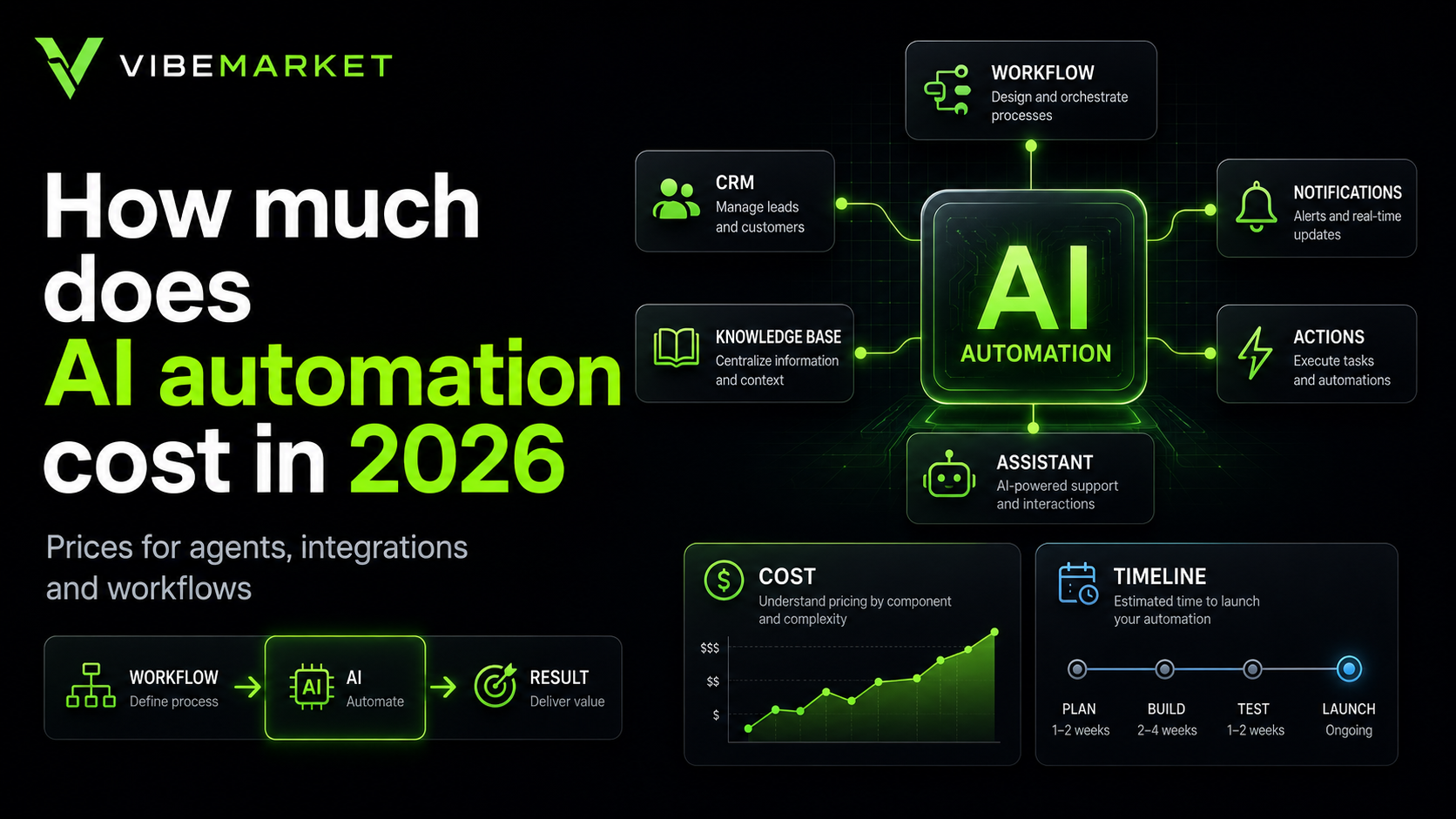
How much does AI automation cost in 2026?
For projects built by an independent freelancer or small team, these ranges can be useful for initial planning:
Automation type | Typical budget | Typical timeline |
|---|---|---|
Simple workflow | $300–$800 | 2–7 days |
Workflow with 2–3 integrations | $600–$1,500 | 1–3 weeks |
AI chatbot or assistant | $600–$2,000 | 1–3 weeks |
AI assistant with knowledge base | $1,200–$3,500 | 2–5 weeks |
AI sales or lead-processing agent | $1,500–$5,000 | 3–6 weeks |
Multi-process automation | $3,000–$10,000 | 4–10 weeks |
These are freelance and small-team planning ranges.
A corporate implementation involving several departments, dedicated infrastructure, security reviews, analytics, SLAs and staff training can cost much more.
Simple workflow — $300–$800
Not every automation needs a sophisticated autonomous agent.
Imagine this process:
A customer submits a form.
The data is sent to the CRM.
AI determines the request category.
The deal receives the correct label.
A sales representative receives a Telegram or Slack notification.
A workflow like this can be built with n8n, Make or a similar automation platform combined with the required APIs.
Other examples include:
email → extract information → spreadsheet;
lead → classification → CRM;
new order → notification → employee task;
document → data extraction → database;
form → AI summary → team notification.
When the process is clearly defined and the integrations are standard, a small workflow may fit roughly within $300–$800.
Workflow with several integrations — $600–$1,500
The project becomes more complex when several independent services need to work together.
For example:
Website → AI → HubSpot → Slack → Google Sheets.
Or:
Email → attachment processing → CRM → employee task → notification.
The developer now needs to handle:
authentication;
APIs;
different data formats;
workflow states;
retries;
errors;
temporary third-party outages.
The more systems involved, the more important reliability becomes.
A focused multi-service workflow may cost roughly $600–$1,500.
AI chatbot or assistant — $600–$2,000
A basic AI assistant can answer questions, qualify leads or help employees with routine work.
Examples include:
website assistant;
Telegram bot;
lead qualification bot;
internal employee assistant;
customer support helper;
reply drafting tool.
If the assistant follows a focused scenario and does not require a large private knowledge base or many integrations, freelance development may fall around $600–$2,000.
A production assistant usually requires more than simply connecting a chat interface to an AI model.
It may also need:
system instructions;
context management;
guardrails;
conversation history;
error handling;
human escalation;
logging;
usage controls.
AI assistant with a knowledge base — $1,200–$3,500
Some assistants need to answer questions using information owned by the business.
This can include:
internal policies;
product documentation;
FAQs;
contracts;
manuals;
company procedures;
technical documentation.
The system usually needs a way to locate relevant information before generating an answer.
Knowledge-base assistants can support:
customer service;
sales;
HR;
technical teams;
employee onboarding;
internal help desks.
Additional work may be required for document updates, permissions, search quality and source management.
A focused freelance implementation can fall around $1,200–$3,500.
AI sales or lead-processing agent — $1,500–$5,000
An AI agent differs from a simple chatbot because it can use tools and perform actions.
For example, it might:
receive a new lead;
understand what the customer wants;
ask a follow-up question;
validate information;
create or update a CRM record;
choose the appropriate sales representative;
prepare a summary;
create a task;
escalate an unusual case to a human.
As agent autonomy increases, control becomes more important.
The project needs clear answers to questions such as:
What actions may the agent perform?
Which actions require human approval?
Which data may it access?
What happens when something fails?
When should a human take over?
A focused business agent like this may require roughly $1,500–$5,000 in freelance development.
Multi-process automation — $3,000–$10,000
A request such as “automate our sales department” is not one workflow.
It can contain separate processes for:
lead capture;
qualification;
assignment;
follow-up;
document preparation;
CRM updates;
reporting;
notifications;
missed-lead monitoring.
The better approach is usually to separate these workflows and automate them incrementally.
A connected system containing several business automations may start around $3,000 with a freelancer or small team and grow substantially as scope increases.
What affects AI automation cost?
Number of integrations
Connecting Telegram and Google Sheets is usually easier than connecting a CRM, ERP, website, phone system, email, internal database and payment provider.
Every external service creates another potential point of failure.
Business logic
A workflow like:
Receive lead → create CRM record.
is much simpler than:
Receive lead → classify it → check existing customer → find current deal → calculate priority → choose team member → create task → send notification.
More logic means more development and testing.
Data quality
Automation becomes harder when business information is scattered across:
spreadsheets;
employee messages;
old CRM records;
PDFs;
shared documents;
local computers.
Sometimes data needs to be cleaned or reorganized before AI can use it reliably.
Level of autonomy
There is a major difference between:
AI drafts a reply → employee approves it
and
AI sends the reply automatically.
In the second case, an AI mistake directly affects the business or customer.
Higher autonomy usually requires stronger guardrails, logging and fallback mechanisms.
Reliability requirements
An internal reporting workflow and an automation that handles customer orders need different levels of reliability.
Critical workflows may require:
retries;
queues;
fallback paths;
failure notifications;
monitoring;
logging.
Development cost is not the same as operating cost
Building the automation is only one part of the budget.
After launch, the business may still pay separately for:
AI model APIs;
n8n, Make, Zapier or another automation platform;
cloud hosting or VPS;
databases;
CRM software;
email services;
telephony;
third-party APIs;
maintenance.
When comparing proposals, ask both:
“How much will development cost?”
and
“What recurring costs remain after launch?”
Do you always need AI?
No.
If a process can be reliably described with a normal rule, adding a language model can make the system unnecessarily complicated.
For example:
If an order is worth more than $10,000 → notify a manager.
This does not require AI.
AI is more useful when the workflow needs to understand free-form text, documents, classifications, natural-language requests or other unstructured information.
Good automation uses AI where it creates real value rather than placing it in every step.
Can AI automation cost only $200?
Sometimes.
A very small n8n workflow, one form, a spreadsheet, a notification and one simple AI API call can be inexpensive.
But $200 is unlikely to buy a reliable autonomous agent managing several business systems and handling many edge cases.
Whenever a quote is unusually low, clarify not only the price but what is actually included.
AI agent vs normal automation
Traditional automation follows a predefined route.
For example:
Form → CRM → Slack.
An AI agent can choose the next action based on the situation:
receive request → understand intent → choose tool → retrieve information → perform action.
This flexibility can be useful.
It also increases:
development cost;
testing complexity;
risk of unexpected behavior;
need for oversight.
Not every business workflow needs an agent.
What should you automate first?
A strong first candidate usually has several characteristics:
it happens frequently;
the steps are repetitive;
employees spend meaningful time on it;
the input and outcome are clear;
results can be measured;
errors can be controlled.
Instead of:
“Use AI in our sales department.”
start with:
“Classify incoming leads automatically and create the correct CRM records.”
That outcome is much easier to evaluate.
How to estimate automation payback
Start with the current cost of manual work.
A simple calculation is:
hours spent each month × cost per employee hour = current process cost.
Then compare the result with:
automated operating cost + development investment.
If automation saves 40 employee hours per month, the important question is how much those 40 hours are actually worth to the business.
Other benefits may include:
fewer manual errors;
faster response times;
fewer missed leads;
processing outside office hours;
more employee time for higher-value work.
How to prepare an AI automation brief
You do not need a large specification for an initial estimate.
Start with these questions:
How does the process work today?
What triggers it?
Which steps does an employee perform?
Which software systems are involved?
What data is available as input?
What should the final outcome be?
Which step actually requires AI?
Which actions should require human approval?
How often does the process run?
What should happen when something fails?
Clear answers make freelance estimates much more useful.
Freelancer or agency?
For one or several focused business processes, a freelancer with the right combination of skills may be enough.
Relevant experience can include:
n8n or Make;
APIs;
Python or JavaScript;
AI models;
databases;
your existing business tools.
A large corporate automation program may require analysts, developers, infrastructure specialists and security expertise.
The right choice depends on the project rather than the label attached to the provider.
How to hire an AI automation specialist through VibeMarket
VibeMarket has a dedicated AI automation and AI agent development section.
You can describe the existing process, the services your business currently uses and the outcome you want to automate.
When comparing proposals, look at:
understanding of the process;
proposed architecture;
integrations;
AI limitations and guardrails;
error handling;
timeline;
total cost.
VibeMarket supports two deal formats:
direct deal — 0% platform fee;
escrow-protected deal — 5% fee.
Before development begins, define the exact behavior that counts as a completed automation.
Final thoughts
AI business automation in 2026 does not automatically mean a large and expensive project.
A useful freelance workflow can start at a few hundred dollars.
Knowledge-base assistants, AI agents and systems connecting several business processes require larger budgets.
The biggest cost driver is not the word AI itself.
Cost depends on:
how many systems need to be connected;
how complex the process is;
what data is available;
what AI may do autonomously;
how costly mistakes would be;
how reliable the system needs to be.
Instead of starting with:
“We want AI in our business.”
start with:
“Which repetitive process currently consumes the most time, and can we automate it safely?”
That is usually enough for a useful first AI automation project.