Telegram Mini App vs Bot: Which Fits the Product in 2026?
A practical comparison of Telegram bots and Mini Apps across interface, workflow, data, launch, and maintenance. The right choice follows the user job, not the technology label.
In brief
- • Bots fit conversational flows and alerts; Mini Apps fit richer interfaces inside Telegram; both need server-side validation and a defined workflow.
ContentsShow sections
The decision between a Telegram bot and a Mini App should start with the user action, not the technology label. If someone needs to ask a question, check a status, or submit a short lead, a conversational bot may be the shortest path. If they need to browse products, compare options, complete several fields, or use a personal account, a Mini App is usually easier to use.
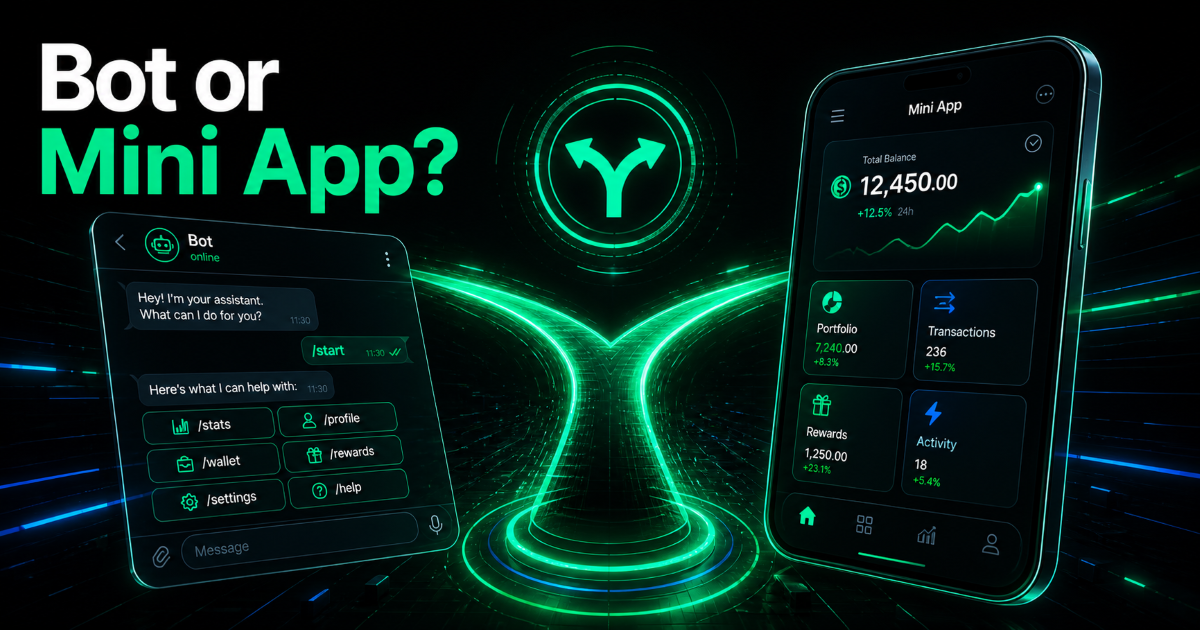
A Telegram Mini App is a web interface launched inside Telegram. It can provide screens, cards, forms, and navigation while the user stays in the messenger. A bot is primarily a channel for messages, commands, buttons, and notifications. They are not mutually exclusive: a bot can open the Mini App, and the bot can notify the user after an action inside it.
The core difference is the shape of the job
| Question | Bot | Mini App |
|---|---|---|
| What does the journey look like? | Conversation, commands, buttons | Screens, cards, forms, lists |
| What is easy to launch first? | Leads, alerts, FAQ, status checks | Catalogs, accounts, calculators, complex orders |
| What is easy to extend? | Short message logic | Interface states and product workflows |
| Where does complexity appear? | Conversation branching and state recovery | UI, data, responsiveness, and server actions |
When a bot is enough
A bot fits a workflow that can be expressed as a sequence of short steps. Examples include collecting contact details, asking a few qualifying questions, sending an order status, reminding a user about an appointment, handing a request to an operator, or accepting an internal command.
Its strength is low friction. The user does not need to find a separate site, remember another password, or learn a large interface. A bot is also useful as a notification layer: the main action may happen elsewhere, while Telegram announces a new lead or status change.
Conversation becomes a poor fit when the user must compare many objects, edit several fields, or return to a previous choice. A long product list inside a chat is not merely unattractive; it forces the user to remember too much state.
When a Mini App is the better fit
A Mini App makes sense when the user needs to see and choose rather than simply send and receive. Typical cases are a catalog, booking flow, account area, calculator, questionnaire, configuration builder, or team dashboard.
Telegram’s official documentation describes several launch options, including buttons, a bot menu, a profile entry point, and direct links. That gives the product multiple ways back into the app, but the app still needs normal web-product care: mobile-first layout, loading states, clear errors, and predictable navigation.
A Mini App does not remove the server. Telegram provides launch data, but sensitive actions must not rely only on values supplied by the browser. The official docs specifically require server-side validation of `initData` and warn against treating `initDataUnsafe` as trusted. This matters for orders, permissions, and payments.
Authentication and payments
A bot and a Mini App can use the same backend data, but the access experience is different. A bot connects the user through messages and events. A Mini App can show an account, history, and actions in a familiar product layout.
Payments should be estimated independently from the interface. Define the provider, successful confirmation, refunds, retries, and the exact server event that unlocks the result. A visible “Pay” button is not proof of payment; it is the beginning of the payment flow.
How to choose without overbuilding
1. Name the single key action
Use a verb: book, order, compare, calculate, check. If the action fits a few questions and answers, start with a bot. If the user needs to browse a set of objects and change several parameters, consider a Mini App.
2. Consider frequency of use
A one-time lead and a daily work tool have different interface needs. Frequent users expect filters, history, fast return to the last state, and stable navigation. That is a strong reason to use a Mini App or a bot-plus-Mini-App flow.
3. Identify the source of truth
If products, availability, prices, or statuses live in a CRM, ERP, or separate database, find that out before choosing the interface. A Mini App will not fix stale data, and a bot will not make manual synchronization reliable. Decide where the authoritative data lives and who updates it.
4. Split the first release
The first release might be a bot with one “Open app” button. It might also be a focused Mini App without a full account area. Validate the main hypothesis before adding every future role, report, loyalty rule, and automation.
A combined flow is often better than an either-or decision
In a mature workflow the bot and Mini App can divide responsibilities. The bot brings users back, sends reminders, and handles short commands. The Mini App owns browsing, checkout, and complex data entry. The user keeps Telegram as the channel without forcing the chat to behave like a full application.
For broader examples, see the guide to Telegram Mini Apps for business. If the workflow is defined, review the Telegram Mini App development service or submit it through the project request form.
Three situations that make the choice clearer
One lead and one notification
The user presses a button, answers a few questions, receives confirmation, and a staff member receives the lead. A bot is often the simpler first release. A Mini App can follow when the questions grow, choices need to be compared, or the user must edit the request later.
A catalog with comparison
When people browse cards, apply filters, go back, and change several parameters, an app interface reduces memory load. The same mechanics can be forced into chat buttons, but every new state increases the chance that the user gets lost or restarts the journey.
A staff workspace
Managers need lists, filters, statuses, history, and fast repeated actions. A bot is useful for “new lead received”, but rarely works well as the only operations panel. In that case, the Mini App can own the workspace while the bot handles notifications.
How to measure the first release
Do not define success as “the app opens”. For a bot, test the complete flow from command to result. For a Mini App, test the intended launch context, data loading, back navigation, and reopening. For both, test invalid data, cancellation, and a lost network connection.
Choose one or two usefulness signals: a completed lead, a booked slot, a created order, or a saved configuration. This shows which format helps the user finish the job instead of merely looking impressive in a demo.
What changes after you choose the format
With a bot, most of the work lives in state logic. You need to know where the user is, which buttons are available, and how to return to a previous step safely. As branches grow, explicit state storage becomes important so that a restart or repeated event does not create an unexpected result.
With a Mini App, more attention goes to interface and data loading. You need responsive screens, navigation, loading states, and an error the user can act on. If the network drops while saving, the person should know whether the action was stored. Important operations cannot be confirmed only by changing a button visually.
In both formats the server remains the trust boundary. Tokens, permissions, order calculations, and final statuses should be checked server-side. This does not favor one interface; it separates a polished prototype from a product that can handle a real operation.
How to discuss the decision with a developer
Ask for more than a screen or a sample conversation. Request a map of the main states: where the user starts, what happens on reopening, which data loads before the first screen, and how staff see the result. This quickly shows whether the provider understands the product journey.
Ask whether a staged launch is possible. A bot may be the entry point and return channel while a Mini App owns the workspace. Or a bot alone may be the right way to test demand. A good developer can explain which constraint each option removes and which complexity it adds.
Mistakes that expand the scope
- Choosing a Mini App because it looks modern when the product needs one short flow.
- Building a long conversation where a catalog and filters would be clearer.
- Trusting browser data without server-side validation.
- Leaving failures, cancellation, and retry states undefined.
- Ignoring who owns prices, availability, or status updates.
The conclusion is simple: a bot is a strong conversation and notification channel; a Mini App is a compact web product for richer actions. Start with the job and the data. In many cases the best path is sequential: use a focused bot to validate demand, then move the part of the workflow that has outgrown conversation into a Mini App.
Sources
Official Telegram Mini Apps documentation and the Telegram Bot API documentation.