How Much Does Web App Development Cost in 2026? Freelancer Prices and Timelines
A practical guide to freelance web app development costs in 2026: from simple internal tools and client portals to SaaS products, CRMs, payments and integrations.
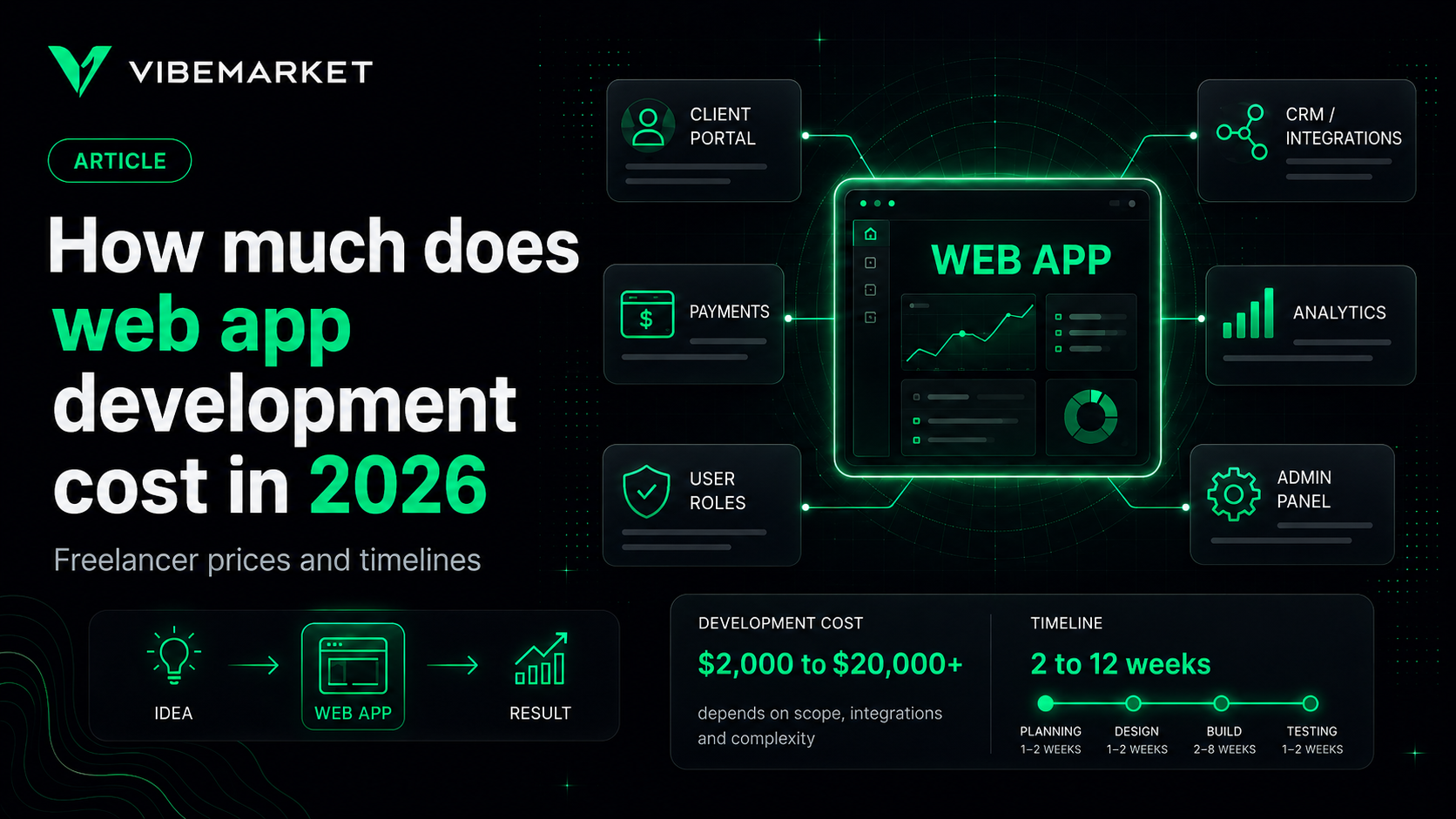
In brief
- • A focused web application built by a freelancer can start at around $2,000–$5,000.
- • User roles, payments, integrations and business logic can affect cost more than the number of screens.
- • SaaS products and internal business tools usually require a backend, database and administration interface.
- • When comparing quotes, check whether design, responsive layouts, backend work, deployment and testing are included.
- • The most effective way to reduce cost is to limit the first release and use proven services for standard functionality.
ContentsShow sections
How much does it cost to build a web application in 2026?
You can find a freelancer quoting $2,000, another developer quoting $8,000, or contact an agency and receive a proposal worth tens of thousands of dollars.
All of these quotes can describe web applications.
The reason is simple: “web application” is not one specific product type.
It can describe a small internal tool used by five employees, a client portal, CRM, booking system, analytics dashboard or subscription SaaS platform with multiple user roles.
The price therefore depends less on the label and much more on what users actually need to do inside the application.
This guide covers practical freelance and small-team web application budgets in 2026, the factors that affect development cost and ways to reduce the first-release budget without removing essential functionality.
Important: the figures below are planning ranges, not fixed VibeMarket prices. Individual developers provide quotes after reviewing the actual requirements.
Web application vs website
The difference is not always obvious.
A traditional website mainly presents information. Visitors read pages, review services, submit a contact form or follow a call to action.
A web application contains more interactive logic.
Users may:
create an account;
log in;
create and edit data;
upload files;
place orders;
work with tables;
receive notifications;
pay for subscriptions;
collaborate with other users;
see personalized information.
For example, a clinic website displaying doctors and contact information is a website.
A platform where patients log in, select a doctor, book an appointment, reschedule it and review previous appointments is a web application.
This difference matters because the second product requires more than frontend pages. It needs backend logic, a database, authentication and access rules.
How much does freelance web app development cost in 2026?
For an independent developer or small product team, these ranges can be useful for initial planning:
Web application type | Typical budget | Typical timeline |
|---|---|---|
Simple internal tool | $2,000–$5,000 | 2–5 weeks |
Client portal | $3,000–$8,000 | 3–7 weeks |
Analytics dashboard | $4,000–$10,000 | 3–8 weeks |
SaaS application | $5,000–$15,000 | 4–10 weeks |
CRM or workflow system | $5,000–$15,000 | 4–10 weeks |
Application with payments and several integrations | $7,000–$20,000 | 5–12 weeks |
Complex multi-feature platform | $12,000–$30,000+ | 2+ months |
These are freelance and small-team planning ranges rather than agency benchmarks.
An agency may quote significantly more because the project can include dedicated management, analysis, design, QA and infrastructure specialists.
At the same time, a sophisticated application built by a highly experienced freelancer can also exceed these ranges.
High traffic, financial workflows, advanced security or many external integrations can change the scope dramatically.
Simple internal tool — $2,000–$5,000
A small internal business application is one of the more affordable types of custom web software.
For example, a company may need a system where employees can:
log in;
create requests;
assign a person responsible;
change statuses;
leave comments;
review current work.
The number of users may be small, there is no public registration, and the application does not process payments.
A product like this can be considerably simpler than a public SaaS platform even if both have dashboards, forms and tables.
With a clearly limited scope, freelance development may fall around $2,000–$5,000.
Client portal — $3,000–$8,000
A client portal allows customers to access personalized information after authentication.
They may need to see:
orders;
documents;
invoices;
statuses;
support requests;
subscriptions;
service results;
account settings.
The main complexity often comes from where the data originates and who may access it.
If information is pulled from a CRM or accounting platform, integration work is required.
If several user roles exist, permissions need to be implemented.
A focused client portal may therefore fall around $3,000–$8,000 with a freelancer or small team.
Analytics dashboard — $4,000–$10,000
A dashboard can look simple: several charts, a table and some filters.
The complexity depends on the data behind it.
Displaying already prepared numbers from one database is very different from collecting information from several services, cleaning it, calculating metrics and refreshing everything automatically.
Development may include:
data-source integrations;
database design;
data processing;
filters;
tables;
charts;
exports;
user roles;
scheduled updates;
admin settings.
A focused analytics or reporting application may cost roughly $4,000–$10,000.
SaaS web application — $5,000–$15,000
A SaaS product is a web application delivered to users as an ongoing service.
Even a focused first version can require more infrastructure than an internal tool.
Typical features include:
registration;
authentication;
user dashboard;
the core product feature;
subscription plans;
usage limits;
payments;
notifications;
admin tools;
user management.
When the first release is genuinely limited to one primary workflow, freelance or small-team development may fall around $5,000–$15,000.
Team accounts, advanced analytics, real-time collaboration and many third-party integrations can push the budget considerably higher.
CRM or workflow application — $5,000–$15,000
Off-the-shelf CRM software does not fit every business process.
Sometimes a company needs a narrower system designed around one specific workflow.
For example:
request → review → employee assignment → work → approval → archive.
The application might need:
several user roles;
request records;
workflow statuses;
comments;
history;
file uploads;
notifications;
search;
filters;
reports;
administration.
The cost depends heavily on the rules between workflow stages.
A simple status list is relatively straightforward.
A system where transitions depend on user permissions, documents, payments or several conditions is much more complex.
A focused custom CRM or workflow system may therefore cost around $5,000–$15,000.
Web app with payments and integrations — $7,000–$20,000
Payments and external systems can increase development effort much more than a few additional screens.
Imagine an application that must:
register a user;
accept an order;
calculate the price;
create a payment;
receive payment confirmation;
update the order;
send data to a CRM;
notify the customer;
display the result in the account.
The visible interface may still contain only a small number of pages.
Behind it is a chain of independent systems, each of which can fail or temporarily become unavailable.
This is why a focused application with payments and several integrations may cost roughly $7,000–$20,000.
What affects web app development cost?
User roles
One user type and five separate user roles produce very different applications.
A system may contain:
customer;
employee;
manager;
administrator;
partner.
Each role has different permissions.
The customer sees only their own data, the employee sees assigned work, the manager sees a team and the administrator sees the entire system.
Complex permissions require additional backend work and testing.
Authentication
Authentication can range from very simple to highly sophisticated.
The basic version may use email and password.
Additional features can include:
email verification;
password recovery;
Google login;
GitHub login;
Telegram authentication;
two-factor authentication;
corporate SSO;
team invitations;
session management.
Every additional option increases scope.
Business logic
Business logic is often the main source of complexity.
Compare two applications.
In the first, a user creates and edits a note.
In the second, a manager creates an order, the system checks a customer limit, calculates the price, reserves inventory, chooses a warehouse, creates a payment and assigns an employee.
The number of screens might be similar.
The amount of engineering is not.
Database complexity
As relationships between data become more sophisticated, database architecture becomes more important.
A simple application may store users and requests.
A larger platform can contain users, organizations, teams, projects, payments, subscriptions, documents, audit history, notifications and permissions.
Poor data architecture becomes particularly expensive to fix after users already depend on the product.
External integrations
Web applications may connect to:
CRM systems;
Telegram;
payment providers;
email platforms;
SMS;
maps;
shipping services;
AI APIs;
ERP systems;
spreadsheets;
external databases;
analytics platforms.
Every integration has its own authentication model, limitations and failure modes.
“Connect our CRM” is therefore rarely a one-line development task.
Real-time functionality
Some applications need information to update immediately without refreshing the page.
Examples include:
chat;
order statuses;
collaborative editing;
live dashboards;
trading data;
location tracking.
These features may require different technical infrastructure and therefore increase development effort.
Design
There is a major difference between using an established UI system and designing a completely custom interface.
For internal business software, existing UI components are often a sensible way to reduce cost.
For a customer-facing commercial product, custom design may be more important.
Before requesting a quote, clarify whether the project needs:
standard UI components;
adaptation of existing references;
custom UI design;
a complete design system.
Responsive layouts
A modern web application usually needs to work on both desktop and mobile screens.
However, mobile adaptation can vary dramatically in complexity.
A simple form adapts easily.
A fifteen-column table, drag-and-drop workspace or dense analytics dashboard requires significantly more design and development work.
Security
If an application stores accounts and customer information, security cannot be treated as a future feature.
Depending on the project, developers may need to implement:
permission checks;
protected APIs;
secure password handling;
request limits;
protected admin routes;
critical action logging;
backups;
secret management.
More sensitive data and operations require stronger controls.
Deployment and infrastructure
Development is not complete when the application works on the developer's laptop.
It still needs to be deployed.
The project may require:
cloud hosting or VPS;
a database;
domain configuration;
HTTPS;
environment variables;
backups;
file storage;
monitoring;
logs;
automated deployment.
Always clarify whether deployment is included in the quote.
What should be included in a development quote?
Before comparing proposals, review the actual scope.
A quote may include:
requirements clarification;
UI development;
frontend;
backend;
database;
authentication;
integrations;
administration;
responsive layouts;
testing;
deployment;
post-launch bug fixes;
source code delivery.
A line that simply says “web app development — $5,000” is not enough for a meaningful comparison.
You need to understand the deliverable behind the number.
What will you keep paying for after launch?
Development is not the only cost.
A web application may have ongoing expenses for:
hosting;
database services;
domains;
file storage;
email;
SMS;
third-party APIs;
AI APIs;
maps;
monitoring;
payment processing;
maintenance.
A small application may have relatively low infrastructure costs.
Expenses grow as traffic and data volume increase.
Before hiring a developer, ask:
“Which services will I need to keep paying for every month after launch?”
Can a web app cost less than $2,000?
Sometimes.
A small internal tool may fit this budget if it has:
one user role;
a few forms;
one basic table;
a simple database;
no payments;
no custom design;
very few integrations.
Using existing services and UI components can also reduce cost.
However, a complete SaaS product with subscriptions, multiple roles, an admin panel and several integrations for $1,000 should raise additional questions.
The developer may be estimating only part of the system.
Why a cheap quote can grow later
Imagine receiving three proposals:
$2,000;
$5,000;
$10,000.
The first one looks attractive.
After development begins, however, you discover that the following are separate:
design;
mobile layouts;
authentication;
admin tools;
integrations;
deployment.
The original $2,000 was therefore never the full project cost.
Compare proposals based on the same scope, not just the headline price.
Freelancer or agency?
For a focused web application, a strong full-stack freelancer may be able to handle most of the project independently.
This reduces communication overhead and can reduce the budget.
An agency can be more useful when the project simultaneously needs:
business analysis;
UX/UI design;
frontend;
backend;
QA;
DevOps;
project management.
The client receives a team but also pays for the team.
Neither approach is always better.
A seven-person team may be unnecessary for a small internal tool. One developer may become a bottleneck for a large enterprise platform.
How to reduce web app development cost
1. Limit the first release
Do not build every feature the product may need two years from now.
Define the core user workflow and launch it first.
2. Use proven solutions for standard features
Authentication, email delivery, file storage, analytics and UI components do not always need to be built from scratch.
If a feature is not the competitive advantage of the product, an established solution may be a better use of the budget.
3. Start with web before native mobile apps
If users can complete the main workflow in a browser, separate iOS and Android applications can often wait.
This is particularly useful when validating a new product idea.
4. Avoid automating low-volume processes too early
If an administrator handles five unusual requests per week, keeping part of the process manual may be cheaper than spending weeks building sophisticated automation.
Automation can be added when volume justifies it.
5. Define outcomes, not vague wishes
Instead of:
We need a modern and convenient platform.
write:
A user can register, create a request, attach a file, see its status and receive a notification when the status changes.
The second requirement is much easier to estimate.
How to prepare a web app brief
You do not need a fifty-page technical specification for an initial quote.
Answer these questions:
Who will use the application?
Which user roles exist?
What is the primary user action?
What data needs to be stored?
Is registration required?
Are payments required?
Which external services need to be integrated?
Is an admin interface required?
Does it need to work on mobile screens?
Which features can wait until the next release?
What result will mean that the project is complete?
This is usually enough for an experienced developer to understand the general level of complexity.
How to hire a web app developer through VibeMarket
VibeMarket has a dedicated web application development section.
You can describe the users, workflow, required features, integrations and expected timeline, then compare developer proposals.
Look beyond price and review:
portfolio;
relevant projects;
proposed technology;
understanding of the problem;
scope;
timeline;
acceptance terms.
VibeMarket supports two deal formats:
direct deal — 0% platform fee;
escrow-protected deal — 5% fee.
Before development begins, define the expected deliverable and the criteria used to accept the result.
Final thoughts
Freelance web application development in 2026 can start at around $2,000 for a focused internal tool and rise into five figures as product complexity increases.
The number of pages or the chosen framework is rarely the biggest cost driver.
More important factors include:
user roles;
business logic;
data;
payments;
integrations;
security;
interface requirements;
infrastructure.
Instead of asking only:
“How much does a web application cost?”
describe:
who uses it, what they need to accomplish and what must work in the first release.
The clearer those three things are, the easier it becomes to receive comparable quotes and avoid unexpected budget growth after development begins.