How to Hand Over an AI-Built Project Without Rewriting It
What to transfer with the code: a reproducible setup, change history, architecture map, data, access, services, and known risks.

In brief
- • Record the working version and known limits first.
- • Transfer setup, data, access, services, and account owners along with the code.
- • Start with a small task that goes through tests, Preview, review, and rollback.
ContentsShow sections
Hand over a manageable project, not a folder of source files
A new developer should not have to guess how to start the app, where the keys live, or why one order status changes in three places. Handover does not mean rewriting the code. First preserve the working behavior, map the system, and only then change what actually blocks the next stage.
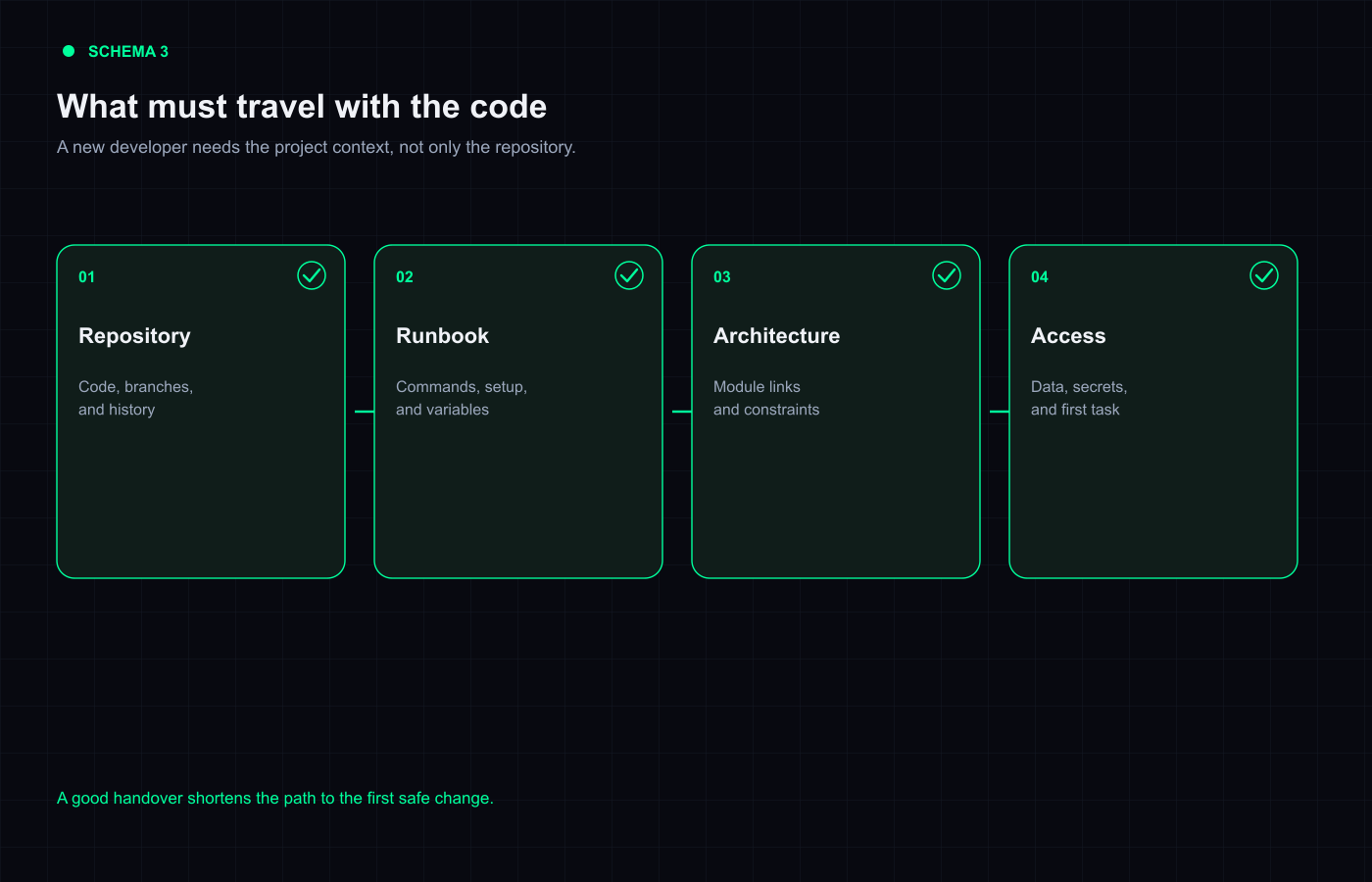
This matters even more for an MVP built through AI conversations: decisions may be hidden in chat history, local settings, or the original author’s memory. The goal of handover is to move that knowledge into the repository and working documentation.
1. Record the current result
Write down what works, where it was tested, and which issues are known. Save a short recording of the key flows or run a live walkthrough. This is not proof of quality, but it gives you a baseline: after a change, you can see what moved.
Do not call the project “ready” without its limits. “Payments are connected” should answer: in which environment, through which provider, with which statuses, and who can issue a refund?
2. Transfer the repository and change history
The new developer needs access to the real repository, not just an archive of the latest files. Check branches, commit history, open issues, and build settings. Look for code stored in another repository or on a personal computer before work begins.
The history does not need to be perfect. It helps show when a problem appeared, which options were tried, and which files are expected to be active. Do not rewrite the application just to make its history look cleaner.
3. Write a reproducible startup guide
The minimum guide should answer:
- which runtime version is required;
- how to install dependencies and start the project;
- which environment variables are needed, without their secret values;
- how to run tests and a production build;
- where the test environment is;
- which commands must never run against the live database.
Ask the new developer to follow the guide alone. If every step requires a call to the original author, the documentation has not been handed over yet.
4. Describe the architecture in plain language
You do not need a long treatise. You need a map: the main parts of the application, where a user request starts, where data is stored, which external services participate, and where access decisions are made.
Add known compromises: a temporary workaround, a manual operation, an incomplete migration, a missing test, or a provider limit. The new developer can then see what to fix first and what was deliberately left for later.
5. Transfer data and migrations separately
Database handover is not sending a username and password in a messenger. Record the account owner, test and production environments, connection method, table structure, migration history, and access rules. Use a protected channel for secrets and rotate temporary keys after ownership changes.
Verify a backup and restore on a test database. If a migration can change or delete data, the new developer should see the recovery plan before running it in Production.
6. Keep an inventory of external services
| Service | Record this |
|---|---|
| Hosting | Project, environments, domain, rollback, and owner |
| Database | Environments, backups, migrations, and roles |
| Payments | Flows, statuses, webhooks, refunds, and test mode |
| Email and notifications | Sender, limits, templates, and error handling |
| Files and media | Storage, link visibility, size limits, and deletion |
| Analytics and monitoring | Owner, access, events, and retention |
7. Transfer responsibility, not only access
Every account needs an owner, a backup contact, and a recovery action. Do not leave the domain, hosting, database, payments, or email under a former contractor’s personal account.
If the new developer only needs to fix bugs, do not give permanent full access. Use roles, a test environment, and temporary keys. Access is part of the architecture, not an administrative afterthought.
8. Start with a small task
Do not begin with a large rewrite. Give the new developer a small task that goes through the full cycle: local startup, change, test, Preview, review, and rollback. This quickly exposes gaps in the guide, permissions, and hidden dependencies.
If the code needs a serious diagnosis, order an audit and change plan first. You can describe that as a separate stage through VibeMarket’s project support service instead of an undefined promise to “clean everything up.”
What not to do
- do not rewrite the application before recording the current result;
- do not delete migrations or history without a plan;
- do not send secrets in an open chat;
- do not treat screenshots as documentation;
- do not hide known limits from the new contractor;
- do not grant Production access when Preview is enough.
The short answer
A good handover reduces dependence on one person. The new developer gets a reproducible startup, a system map, owned accounts, a data description, known risks, and a small first task. That makes step-by-step development possible instead of forcing an expensive rewrite because the original author left.
Discussion
Comments
No comments yet. Be the first to share your experience.
Sign in to join the discussion →