Can You Build an MVP with Vibe Coding? Where the Prototype Ends
What you can build with vibe coding, where the risks begin, and when an MVP needs a developer.
In brief
- • See what you can test with vibe coding
- • Separate a prototype from a working MVP
- • Prepare a developer brief before work begins
ContentsShow sections
SEO title: Can You Build an MVP with Vibe Coding? | VibeMarket Meta description: Learn what you can build with vibe coding, where the risks begin, and when an MVP needs a developer. Primary query: vibe coding mvp Related terms: what is a vibe coding MVP, build an MVP yourself, MVP development
When a product idea still lives in a document, it is easy to believe the first MVP can be built in a weekend. Describe the idea to an AI assistant, generate a few screens, connect the buttons and show the result to a friend. Sometimes that is enough to test the main flow.
The trouble starts after the first demo. A user needs to sign in, data has to live somewhere, payments cannot remain a mockup, and someone has to fix errors after launch. At that point, the project is no longer a collection of screens. It is a service that needs an owner.
So the useful question is more specific: what can you build with vibe coding on your own, and when should you bring in a developer for the MVP?
What you can build with vibe coding
Vibe coding works well for the first pass over an idea. You can build a landing page, an enquiry form, a catalogue, a simple account area, an internal tool or a bot with a clear flow. A prototype like this helps expose a weak assumption before it consumes a large budget.
At this stage, you do not need to build the entire architecture of the future product. You need to test one thing: does the user understand what to do, and does the flow lead to the result you need?
For a booking service, the first test might be the path from choosing a service to sending a request, rather than a full scheduling system. For a marketplace, it might be search, a developer profile and a project enquiry. The rest can wait until the main idea has been tested with real people.
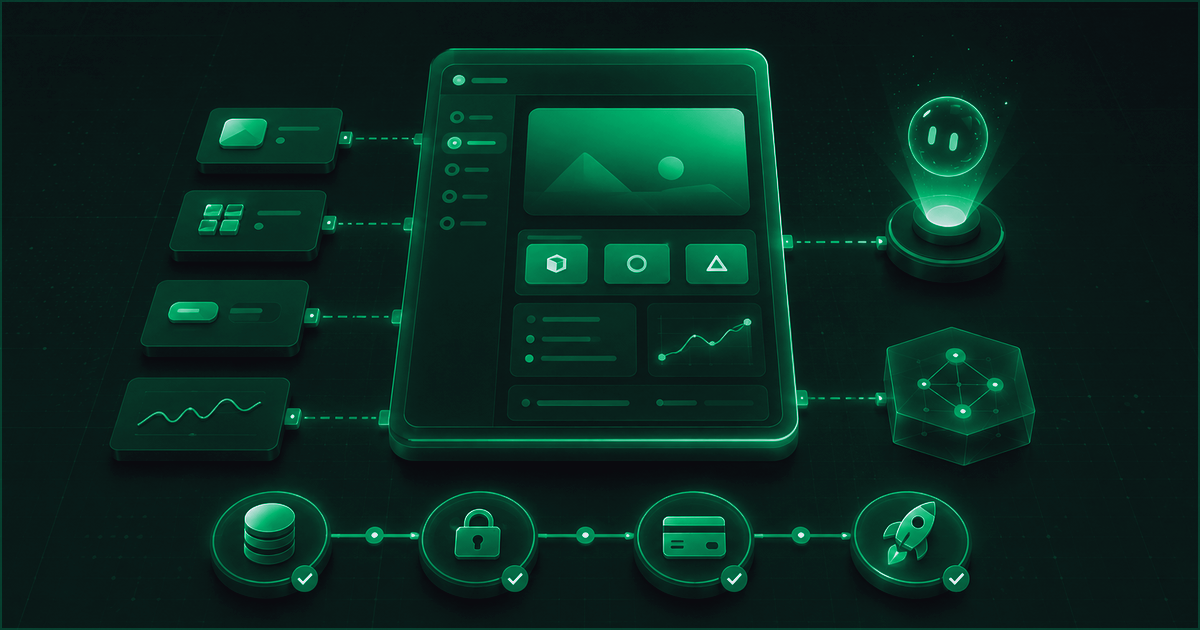
Illustration 1. A workbench for assembling and testing an MVP.
There is a boundary here. Vibe coding speeds up the first result, but it does not make product decisions for you. An AI assistant can suggest code. The client still has to decide what data to collect, who gets access and what happens when something fails.
An MVP is not a rough copy of the future product
A prototype shows how an idea might look. An MVP lets you test the idea through a real use case. It does not have to be a large system with dozens of features. It has to answer one important question with a working flow.
The process can be pictured like this:
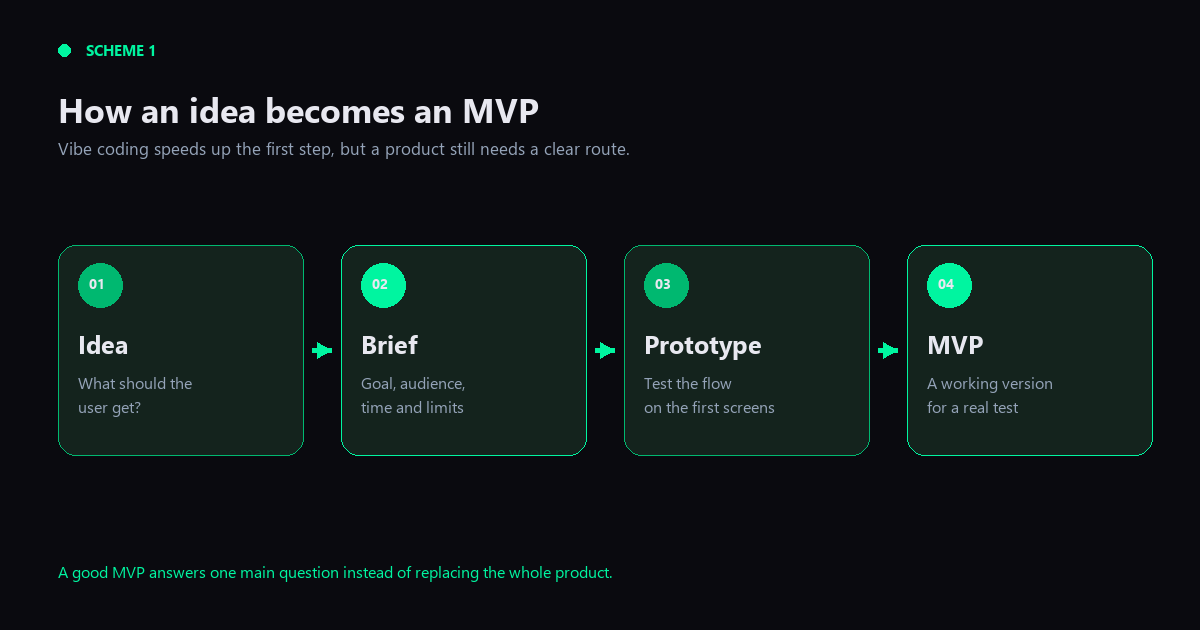
Scheme 1. How an idea becomes an MVP.
First comes the idea. Then it needs to become a short brief: who is the user, what problem are they solving and what must work in the first version? After that, you can build a prototype and test the flow through the first screens. An MVP begins when people can use that flow, rather than just look at it in a presentation.
My practical rule is to limit the first version by the number of assumptions you want to test, not by the number of screens you can build. If the product depends on three separate hypotheses, choose one and test it first. You will learn faster what deserves more work.
Where building it alone starts to break
The common failure is easy to miss: everything works with a test example, so launch feels close. Then real data and real exceptions arrive.
Access is usually the first question. Who can sign in? What can a client, a developer and an administrator see? What happens when someone clicks a button twice or opens an old link?
Then there is data storage. Data has to be written, updated, deleted, protected and recovered after a failure. Payments, roles, notifications and integrations add another layer. A mistake here can mean a lost enquiry or an incorrect order status.
Finally, the MVP has to be deployed. A version that works on one computer is not the same as a service that users can access. Someone has to handle the environment, domain, failed requests and support after launch.
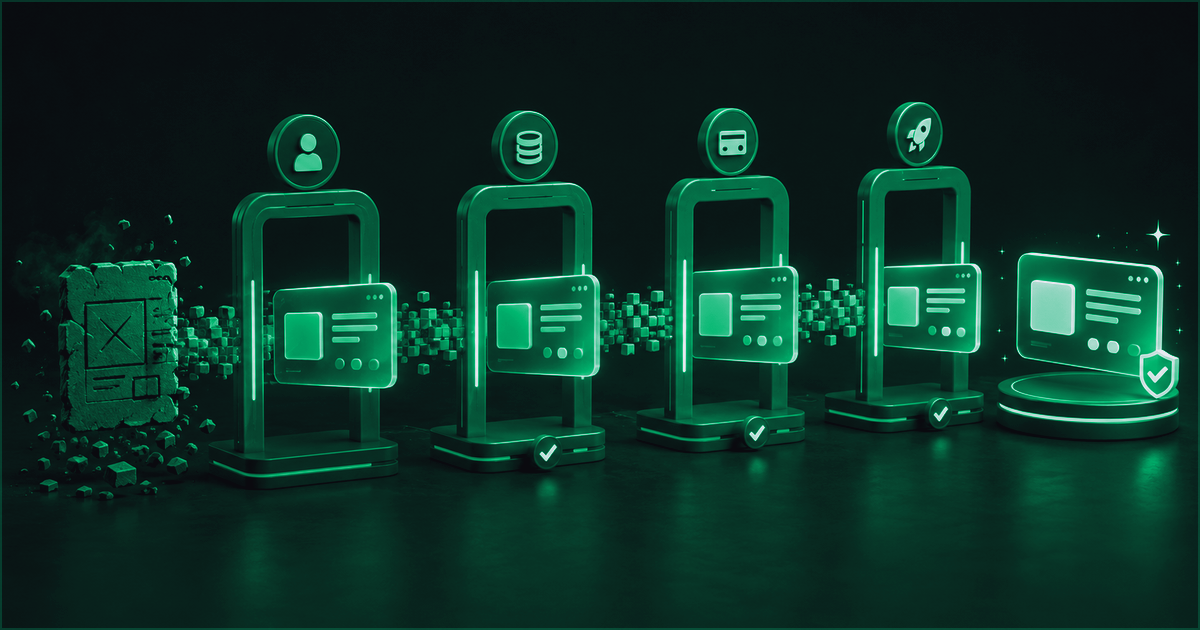
Illustration 2. The checks an MVP passes before launch.
This is not an argument against building things yourself. It is a reason to separate a fast experiment from a product that is ready for users. A temporary decision can be fine during testing. Before launch, you should know what is temporary, who will replace it and what a failure would cost.
When to build it yourself and when to bring in a developer
Starting alone makes sense when you need to test an idea, show a flow to a partner, collect early feedback or find out which features people actually need. Speed matters more than perfect internal structure at this point.
Bring in a developer earlier when the project includes account areas, payments, several user roles, sensitive data, complex integrations or a fixed launch date. That is especially true when nobody on the team will be able to maintain the code after publication.
The boundary is not your level of technical knowledge. It is the cost of a mistake. If a broken prototype can be thrown away and rebuilt, the risk is small. If the same error affects money, access or a client’s work, the shortcut stops being cheap.
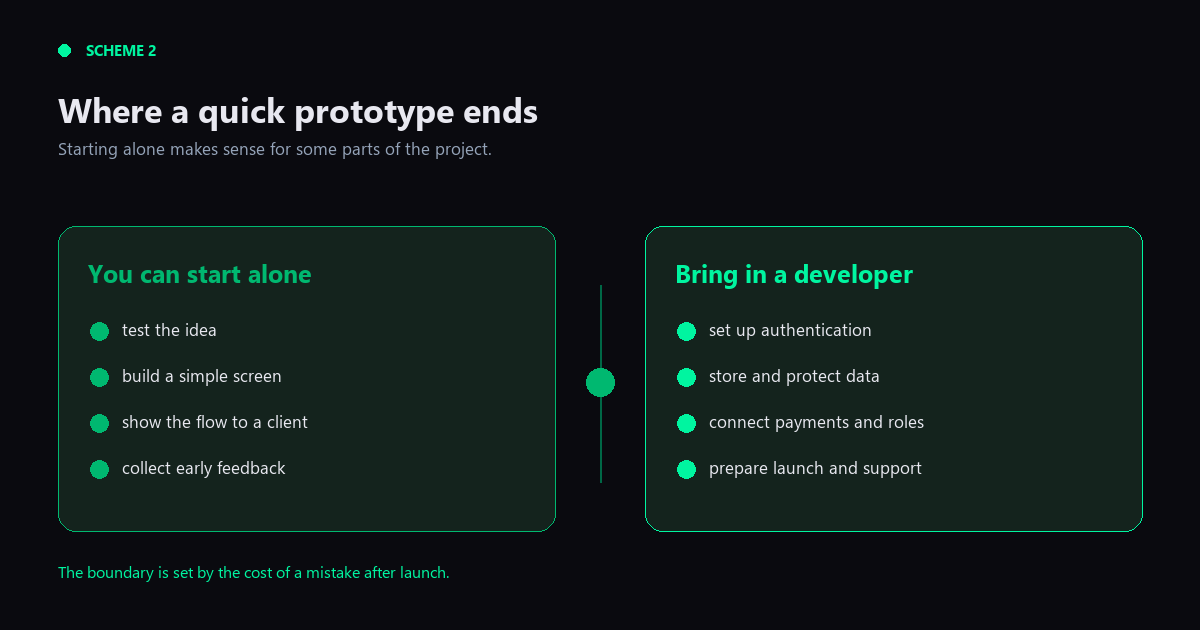
Scheme 2. Where a quick prototype ends and developer work begins.
The practical answer often sits between two extremes. The client can describe the problem, assemble the first screens and test the flow. A developer can take over where the project needs reliable data storage, permissions, integrations, deployment and ongoing support.
What to prepare before handing over an MVP
To keep a developer from spending the first week decoding the idea, prepare a short set of notes:
- describe who the product is for;
- show the main flow from the first action to the result;
- mark what already works and what is still a demo;
- list the functions that must be in the first version;
- write down the open questions about access, data, payments and launch.
You do not need to choose the technology in advance or write a twenty-page specification. A useful brief starts with the result. Technical decisions can follow once the problem is clear.
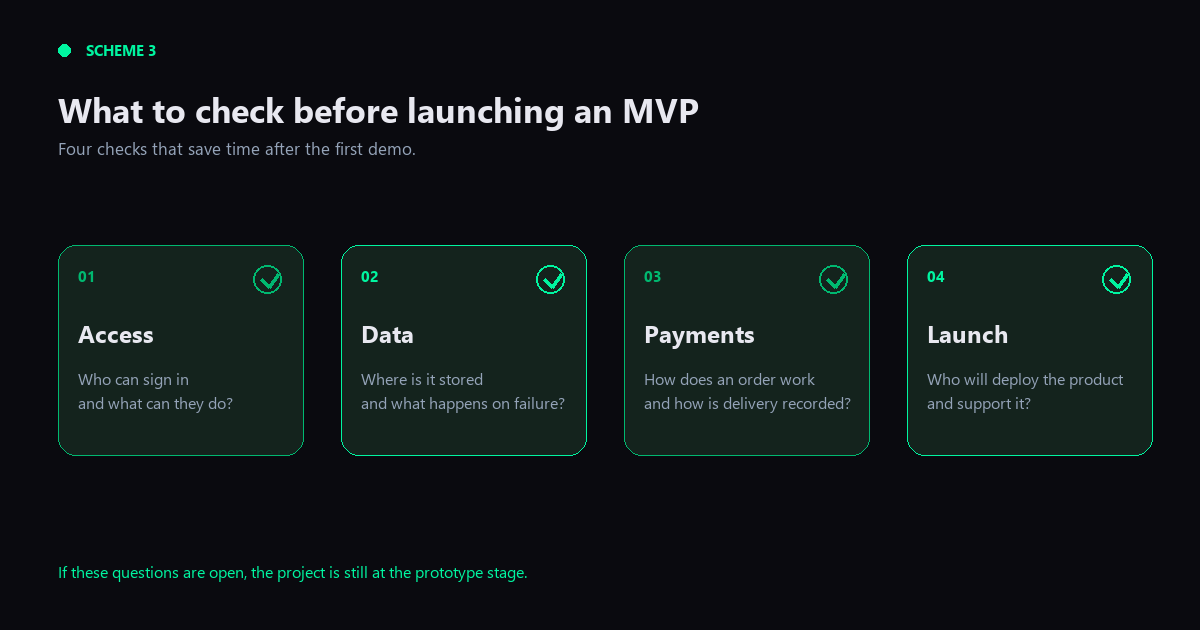
Scheme 3. What to check before launching an MVP.
How VibeMarket helps move an idea toward a working MVP
VibeMarket lets a client start with the project itself instead of searching for a random developer by technology list. If the wording is still rough, the brief can be clarified before the order is published. The client can then compare developers by real work, relevant experience and their response to the specific task.
That matters for an MVP. The long list of tools is less useful than evidence that a developer can take a similar problem to a working result. A portfolio shows what they have already built. The project discussion makes the boundaries of the first version clear before the work begins.
VibeMarket supports different deal formats. A client can choose a direct arrangement or use escrow protection when it is important to agree on the terms and the handover process in advance. The right format depends on the project and the agreement with the developer.
Vibe coding remains a good way to test an idea quickly. Once a prototype has to serve real users, the scope gets wider: data, access, payments, deployment and support all matter. A developer is not there to take the idea away. They help turn it into a product that can survive the first real failure.
If you already have a prototype or a clear user flow, the next step can start with a short project brief on VibeMarket.
Discussion
Comments
No comments yet. Be the first to share your experience.
Sign in to join the discussion →